 My LMS App
Photoshop
Photoshop
Learn Photoshop with video playlist.
Free Demo Videos
Watch first 5 videos free. Remaining videos are locked until enrollment.
Demo video will play here.
 ▶
▶Free Demo 114 Perfectly Cropping the images PHOTOSHOPPhotoshop • Play in app
 ▶
▶Free Demo 215 Increasing the Canvas Size in Photoshop PHOTOSHOPPhotoshop • Play in app
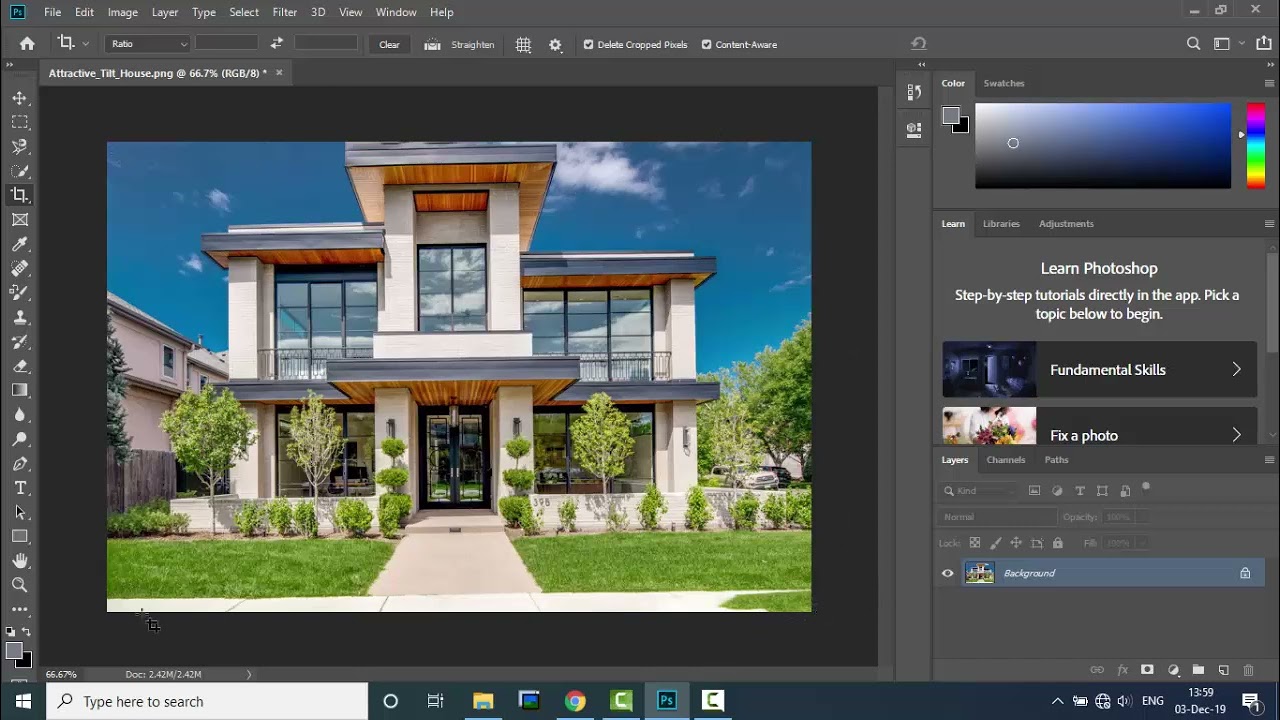 ▶
▶Free Demo 316 Content Aware Option in Crop Tool PHOTOSHOPPhotoshop • Play in app
 ▶
▶Free Demo 417 Understanding Layers in Adobe Photoshop PHOTOSHOPPhotoshop • Play in app
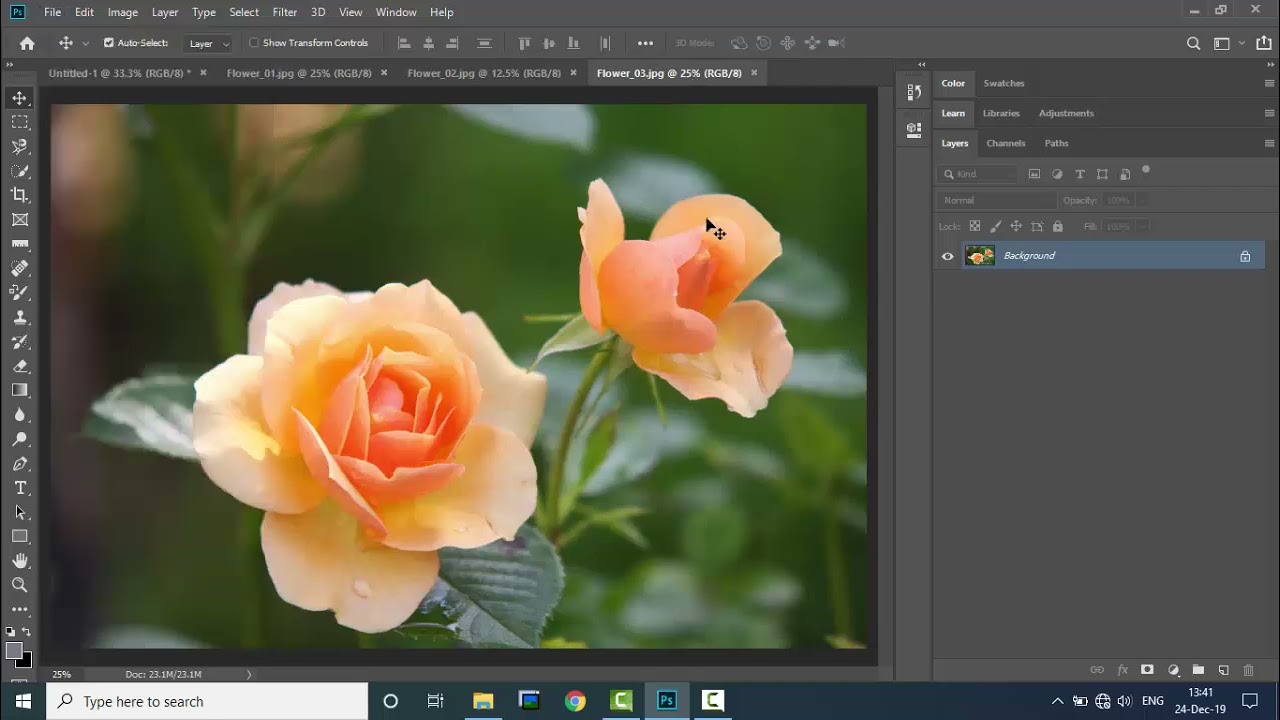 ▶
▶Free Demo 518 Setting up Layers Basic PHOTOSHOPPhotoshop • Play in app
 🔒
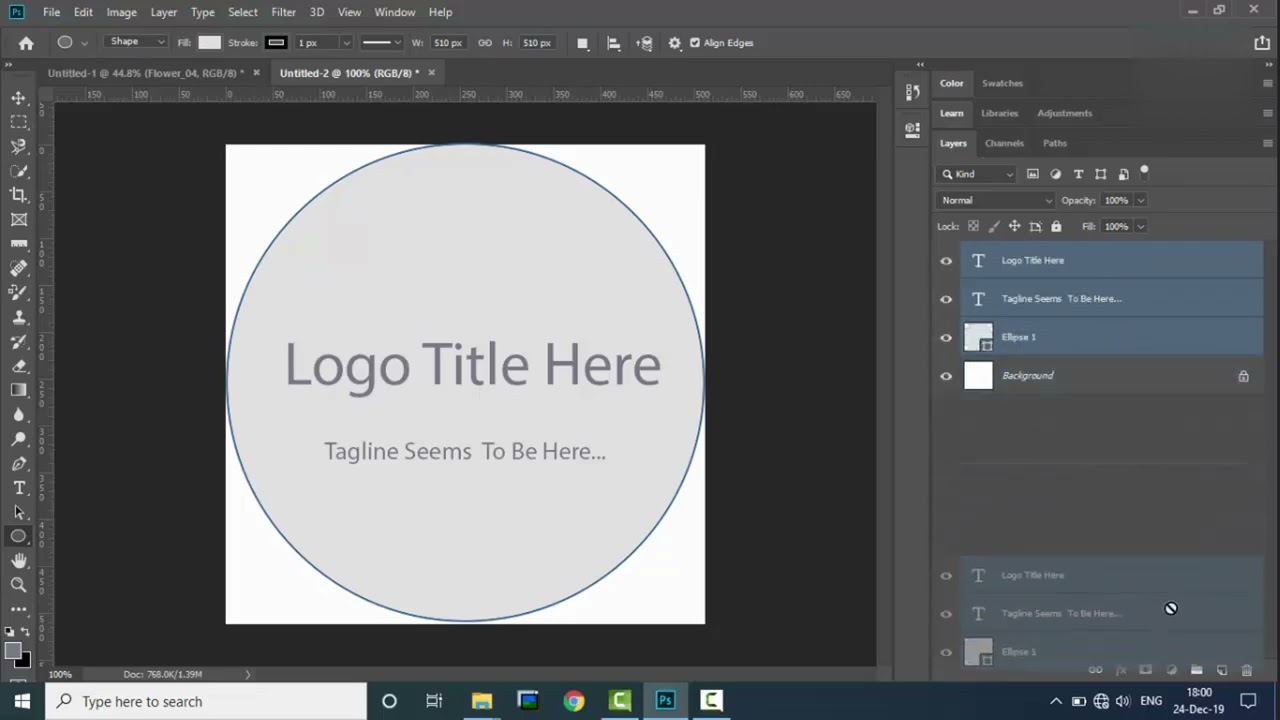
🔒Locked19 Managing, Aligning, Representing Layers PHOTOSHOPEnroll now to unlock this video
 🔒
🔒Locked20 Layers with Groups PHOTOSHOPEnroll now to unlock this video
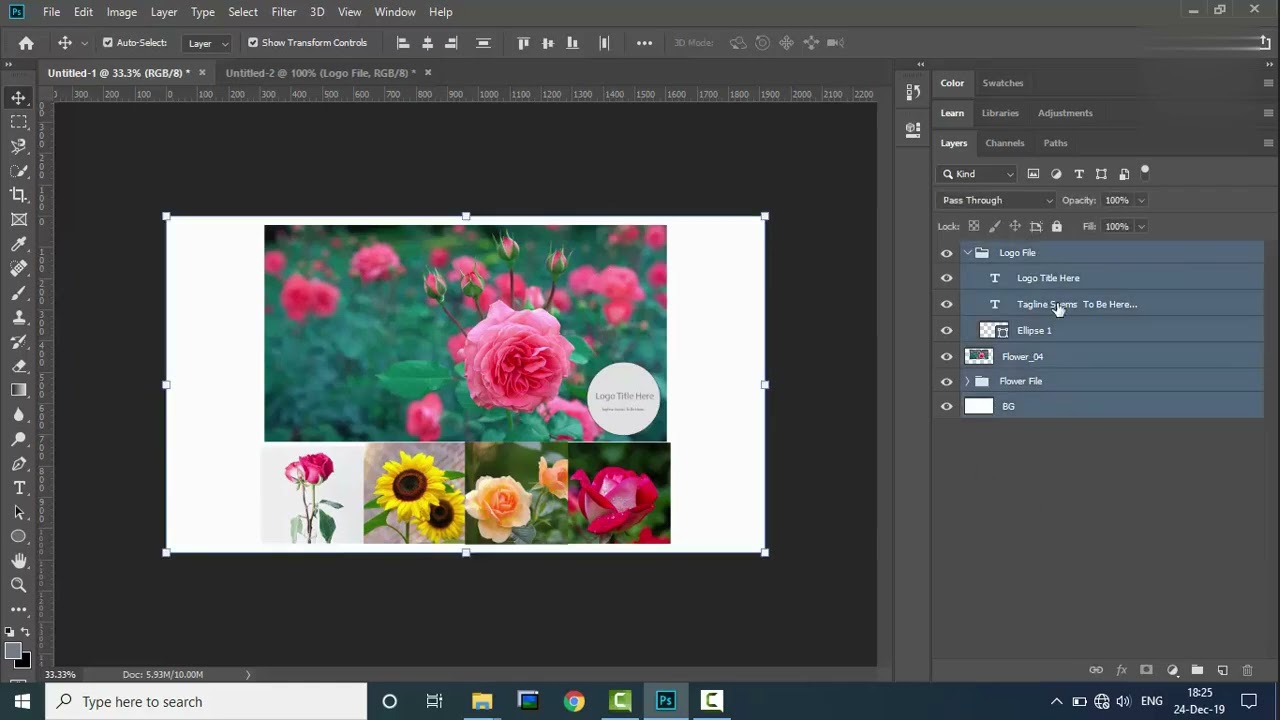 🔒
🔒Locked21 Merging, Flatten and Reduce Document size PHOTOSHOPEnroll now to unlock this video
 🔒
🔒Locked22 Selecting Colors in Photoshop PHOTOSHOPEnroll now to unlock this video
 🔒
🔒Locked23 Brush Tool Basics PHOTOSHOPEnroll now to unlock this video
 🔒
🔒Locked24 Layer Mask Basics PHOTOSHOPEnroll now to unlock this video
 🔒
🔒Locked25 Blending Images by Gradient PHOTOSHOPEnroll now to unlock this video
 🔒
🔒Locked26 Invert a Gradient in Layer Masking PHOTOSHOPEnroll now to unlock this video
 🔒
🔒Locked27 Overview of Artboard Tool and Using Marquee Tool PHOTOSHOPEnroll now to unlock this video
 🔒
🔒Locked28 Using, Polygonal and Magnetic Tool Selection PHOTOSHOPEnroll now to unlock this video
 🔒
🔒Locked29 Using Quick Selection Tool PHOTOSHOPEnroll now to unlock this video
 🔒
🔒Locked30 Selecting Softer Edges and Refining it PHOTOSHOPEnroll now to unlock this video
 🔒
🔒Locked31 Selection with Color and Focus PHOTOSHOPEnroll now to unlock this video
 🔒
🔒Locked32 Using Healing Brush and Patch tool PHOTOSHOPEnroll now to unlock this video
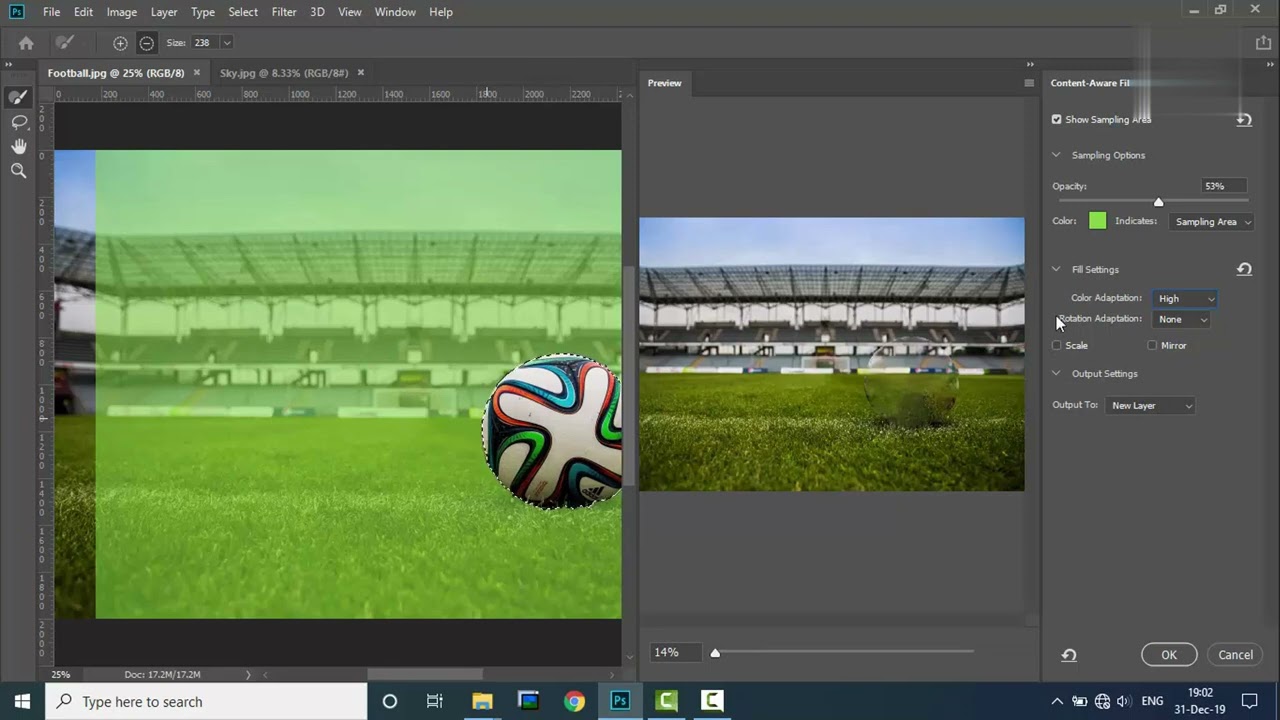 🔒
🔒Locked33 Using Content Aware Tool, Filling and Scaling PHOTOSHOPEnroll now to unlock this video
Course Details
Detailed course information will be updated by the center.
Course Access
Free DemoAvailable
Course StatusOpen
CenterDEMO CENTER
Pay by QR/UPI and submit payment proof. Center will verify your request and provide login/course access.
Payment Details
Payment details are not added by center yet.